It presents XML file saved by Audinate's Dante Controller in similar way to original software.
And it can convert XML file to TXT or PNG or XLSX file.
Now you can view offline subscriptions and more
You can use it to inspect local venue system before arrive to gig
You can quick remember past installation/configuration to easy support them
Tell me what you use it for
What is your potential usage
        Author
            Artur Popławski - ArtPopALT
            All rights reserved
            contact: info@artpopalt.com
            web: www.artpopalt.com

        About versions
            - DEMO version is limited to 5 devices, but is fully functional.
              You can view all channels and export to TXT, PNG, XLSX files.

            - FULL version has no limitations, but you have to donate me at Home page,
              to get your serial number.
              Minimum donation is 4 EUR, 5 USD or 12 PLN.
              if you want to support my work, please donate more.
              If you think that my work is worth less, please mail me.
              When you donate, please write your email address in the comment field.
              I will send you serial number to this email address.

            Please response after tests to info@artpopalt.com
            Remember to attach xml file, and briefly describe your experiences.

        About software
            It presents Dante Controller XML file in similar way as in Audinate's version.
            And it can convert XML file from Audinate DanteController to TXT or PNG or XLSX file.
            Now you can view offline:
                - Channels routing
                - Preset Properties
                - Devices attributes
                - Subscripted Rx channels
                - Labels of Tx channels

        About usage:
            Download and install application.
            Run application and select XML file saved by Dante Controller.
            Choose Option from menu to limit (view and export) to only subscripted channels.
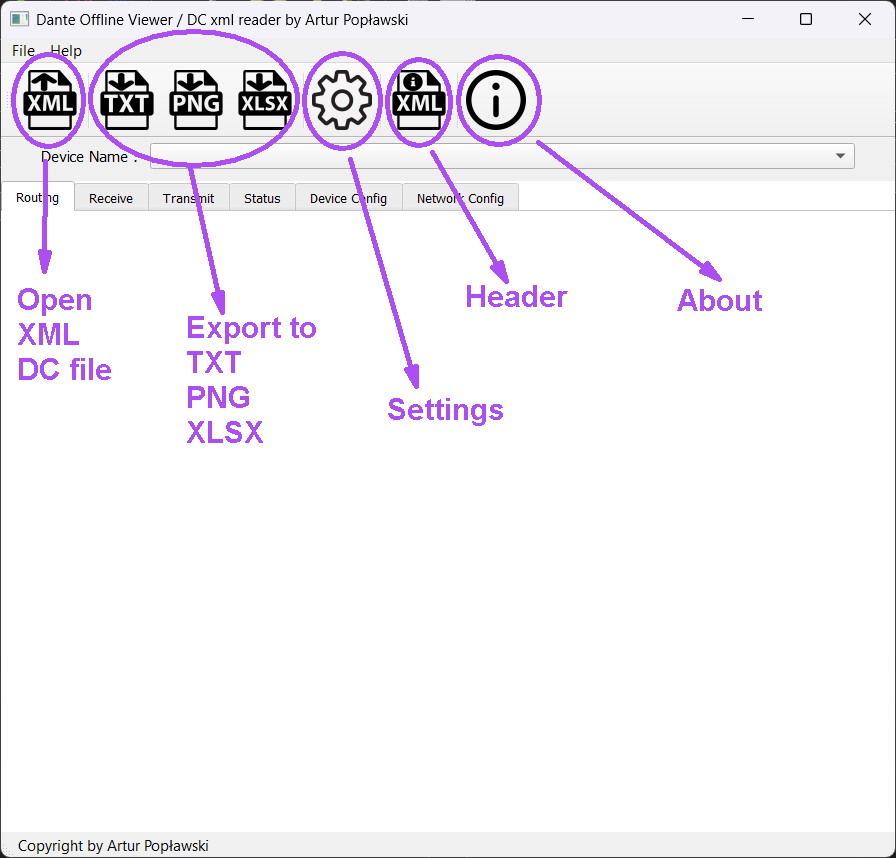 1. Main view
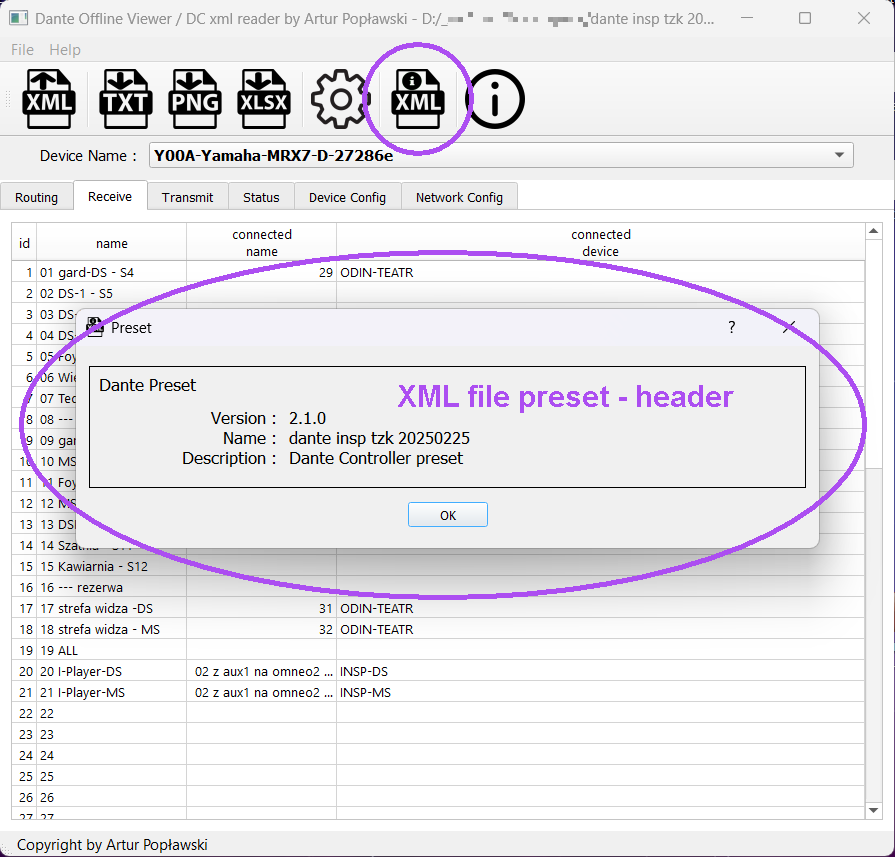 2. DC XML Preset
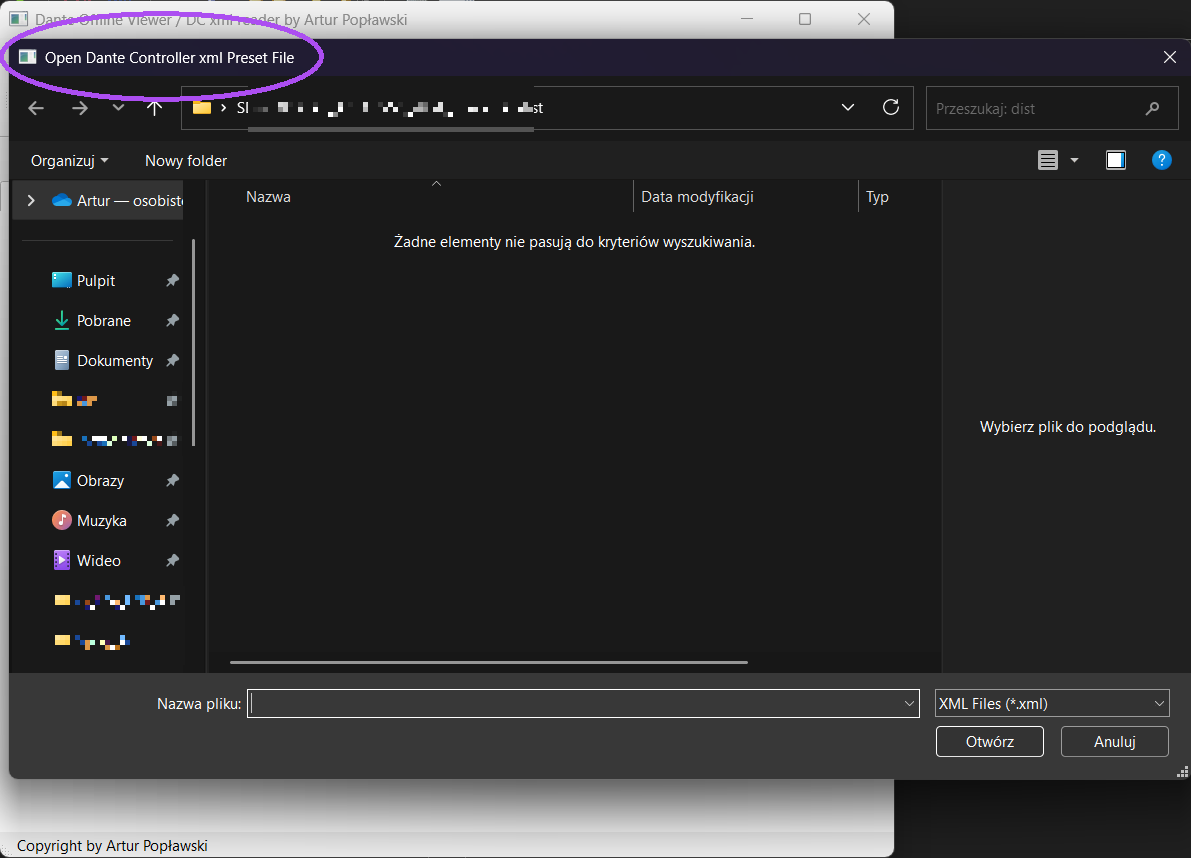 3. Open XML file window
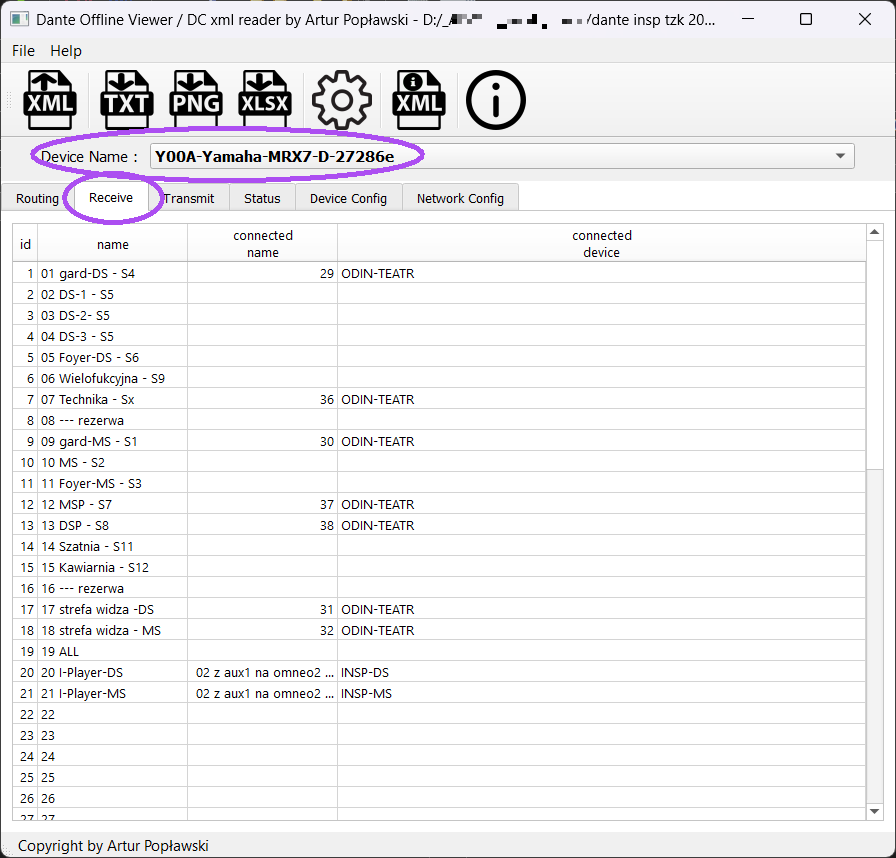 4. Receive channels tab
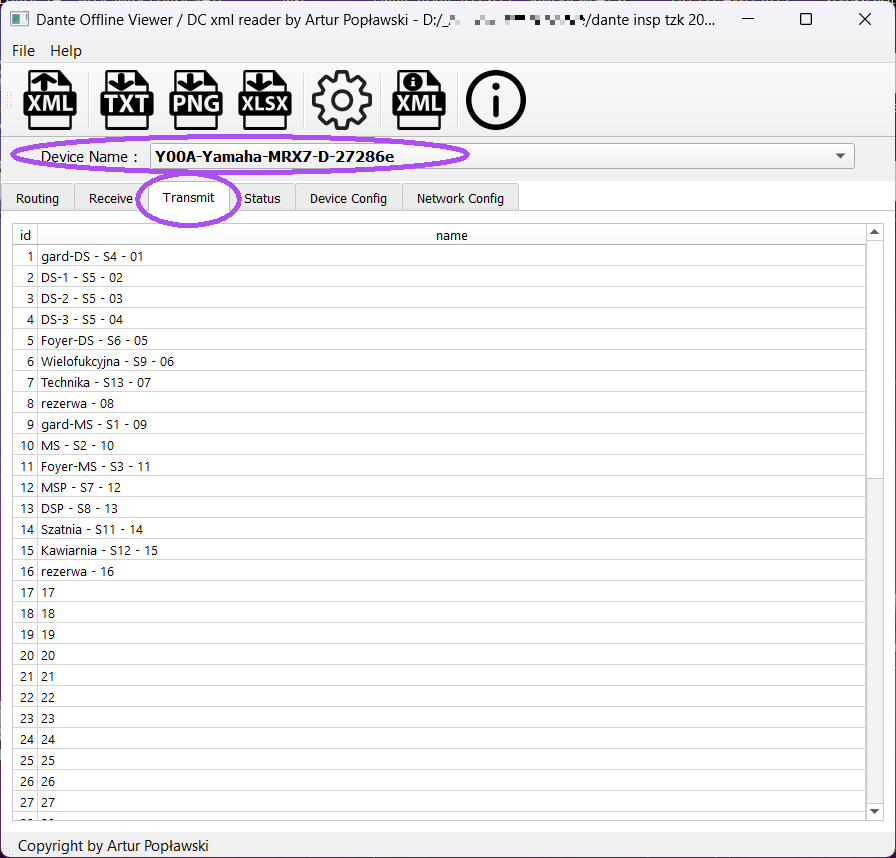 5. Transmit channels tab
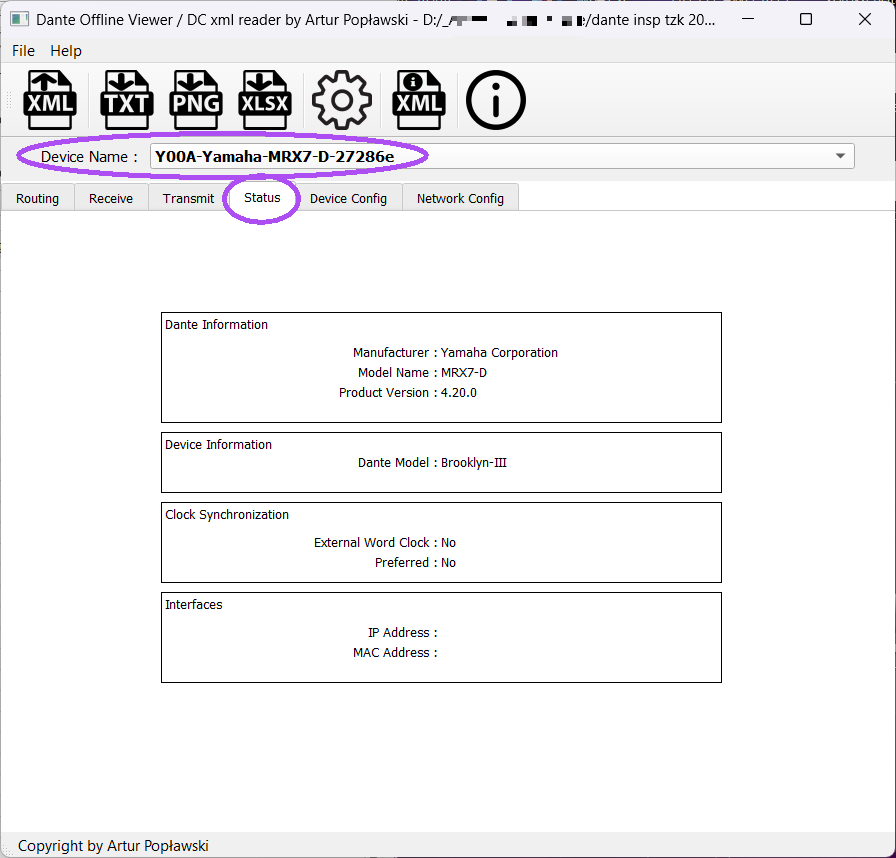 6. Status tab
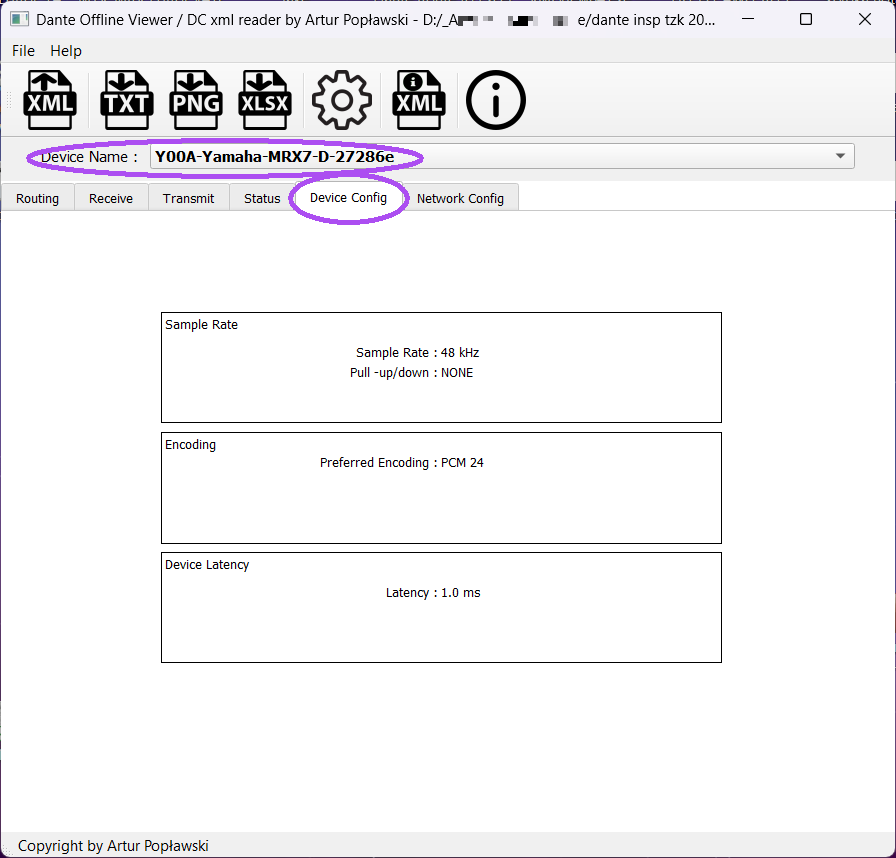 7. Device Config tab"
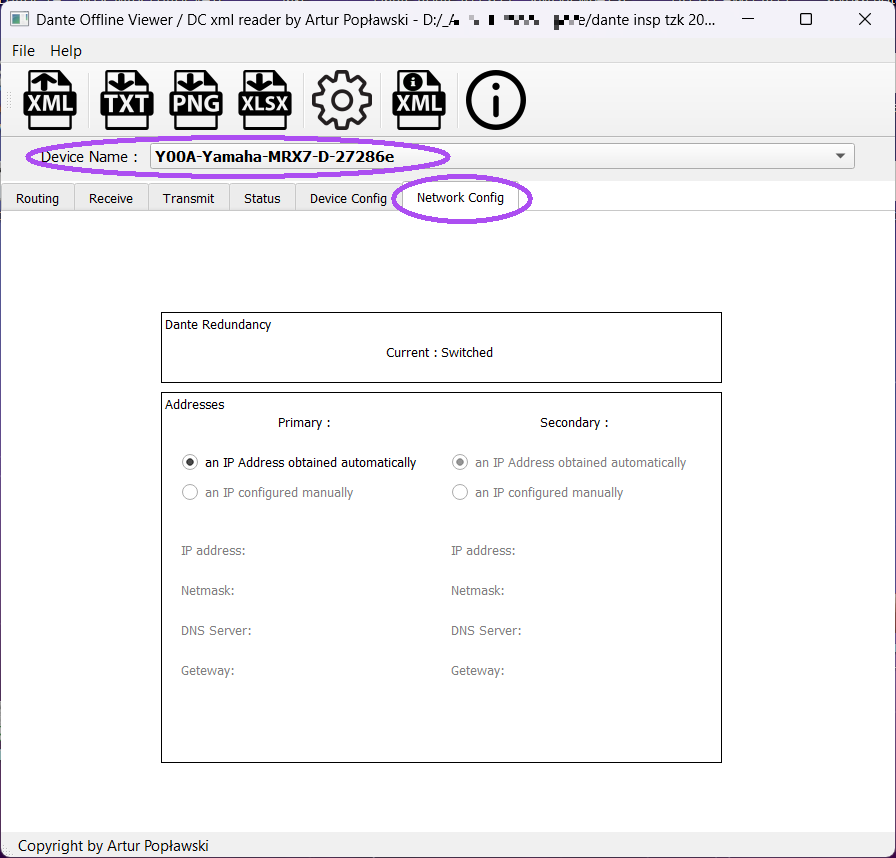 8. Network config tab
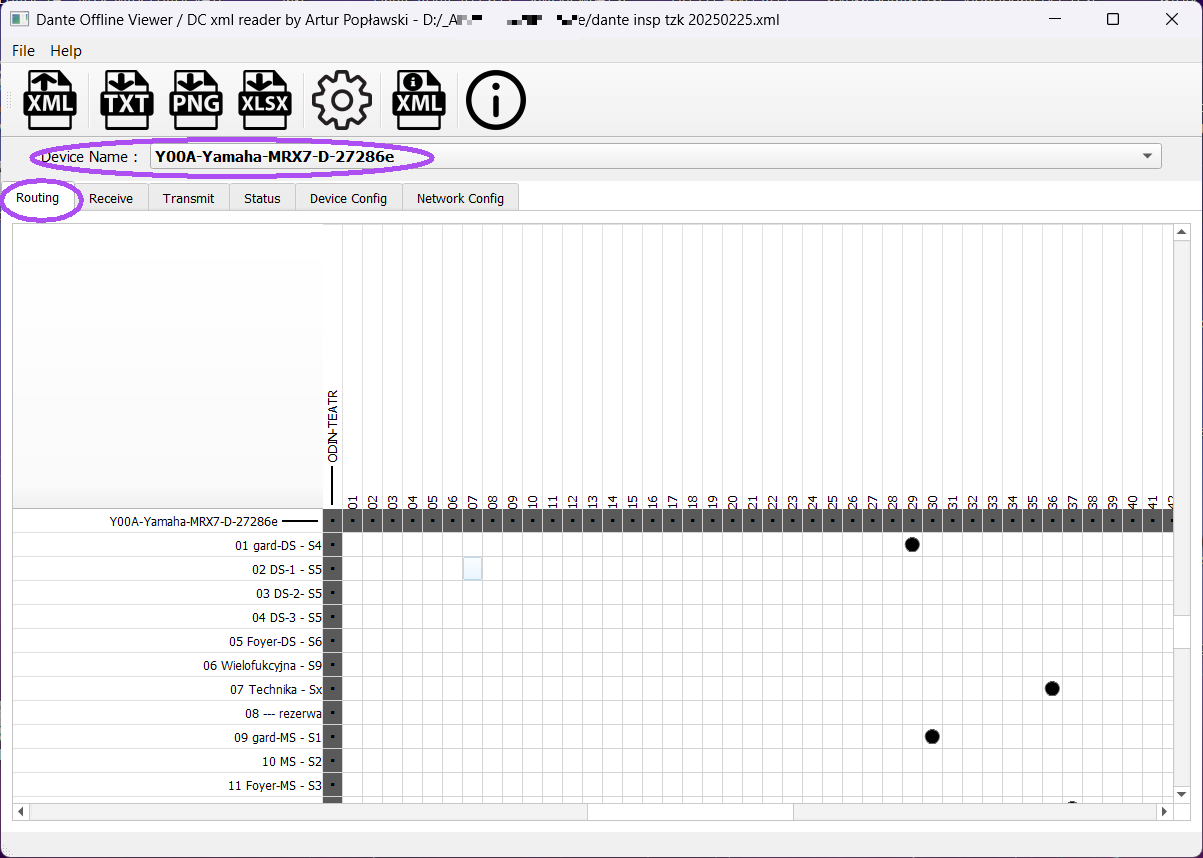 9. Routing tab
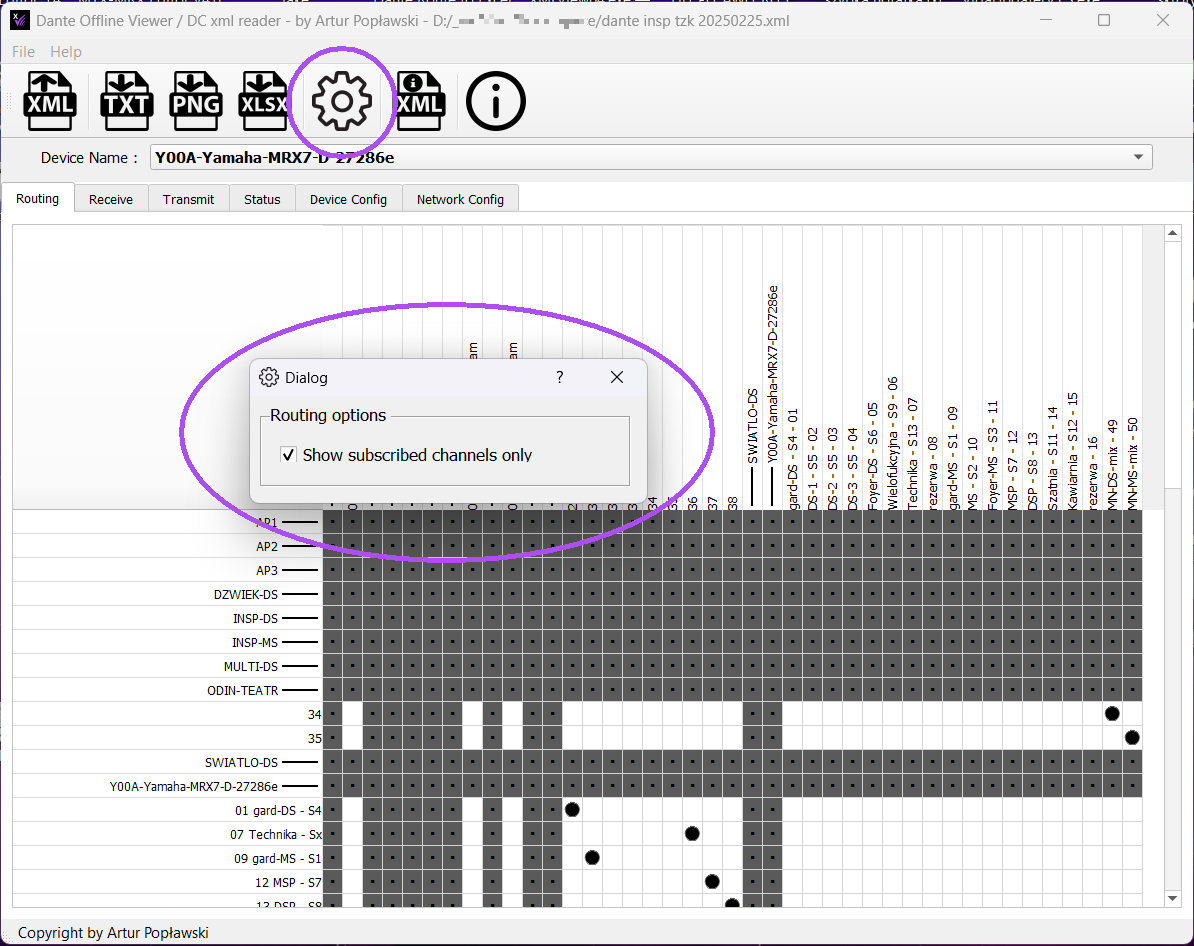 10. Settings window
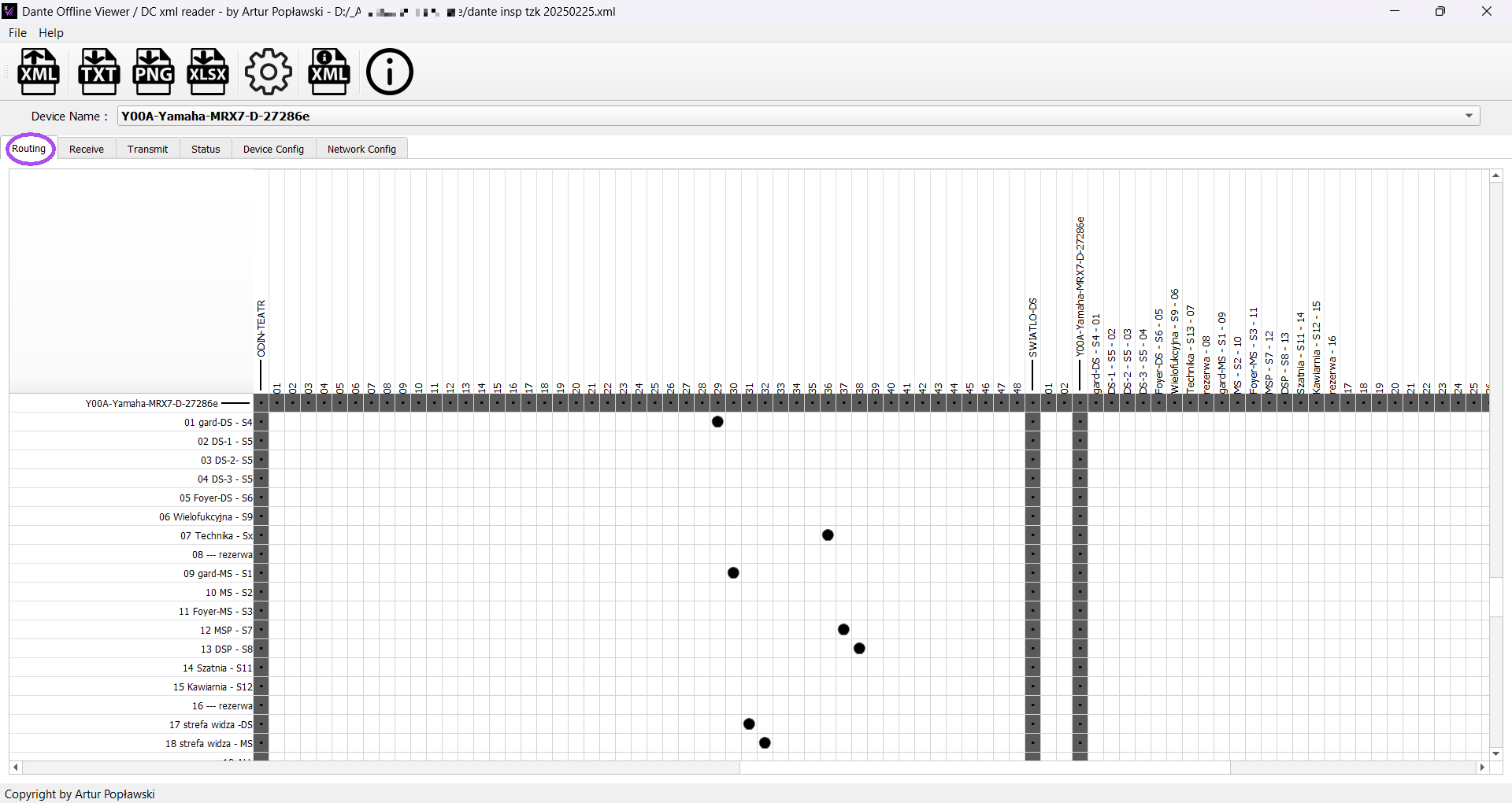 11. Routing view
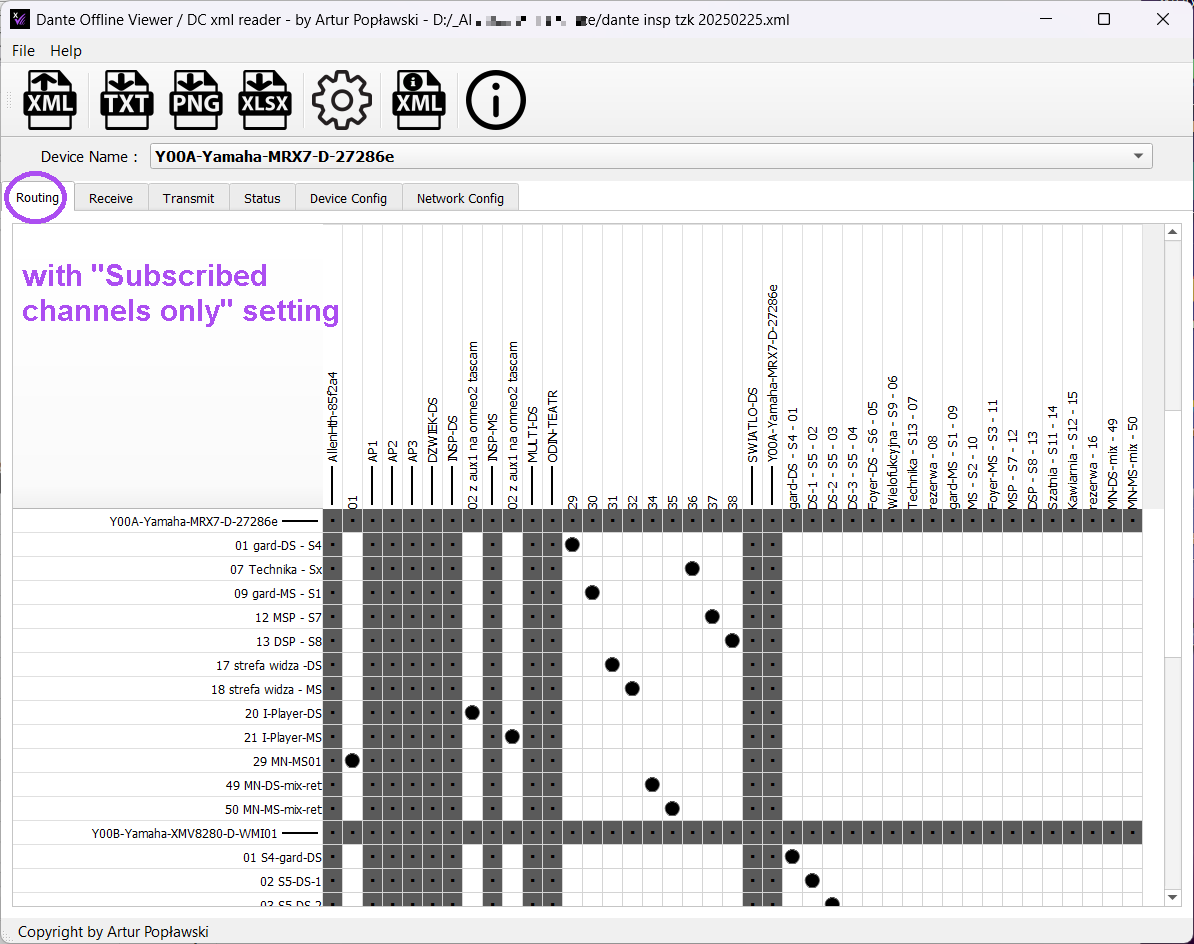 12. Routing with os-setting
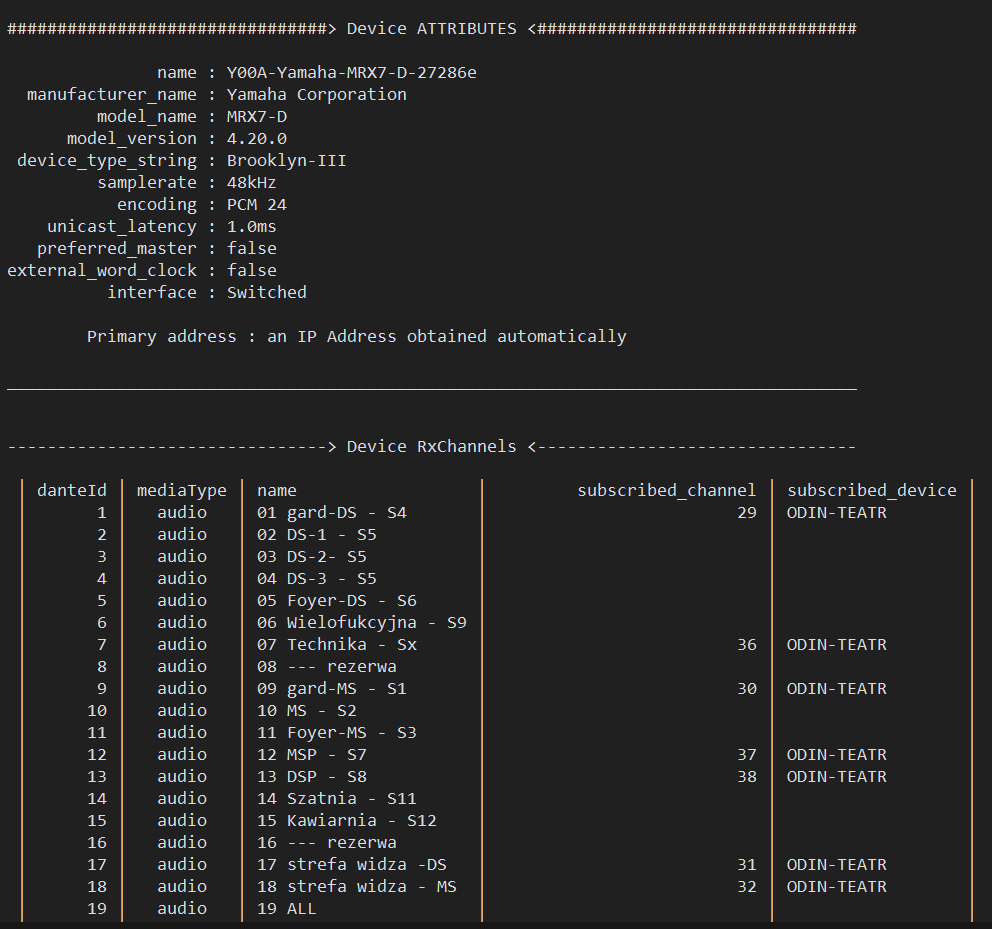 13. Export as TXT
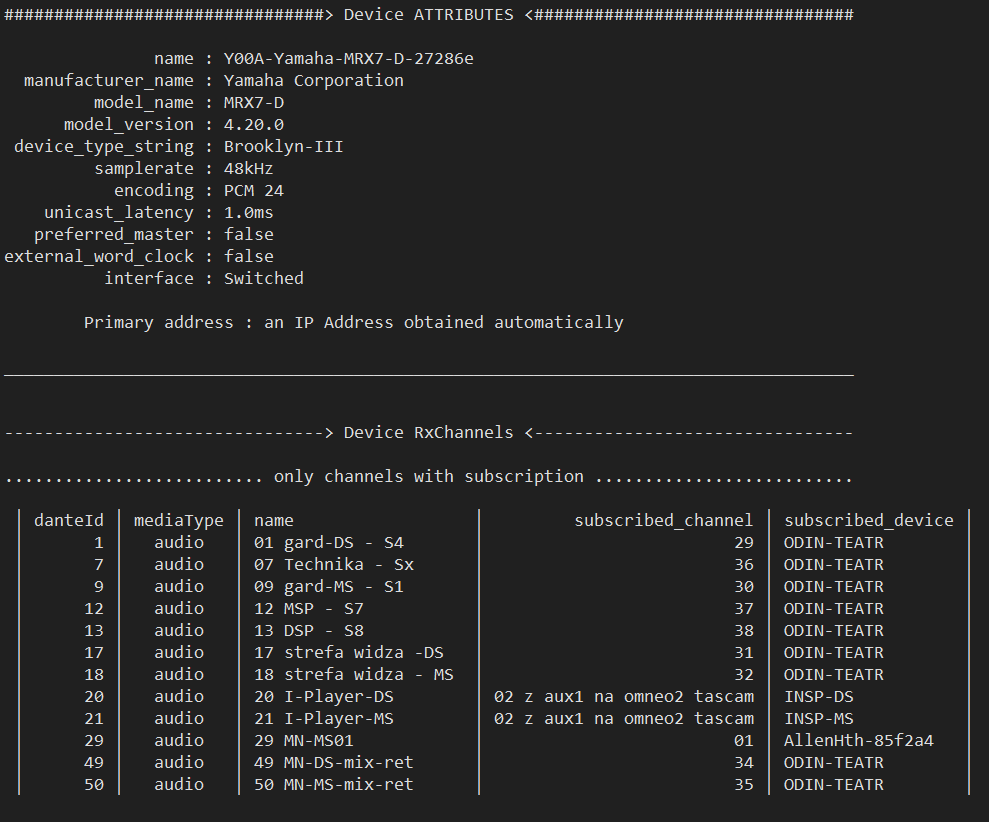 14. Export as TXT with os-setting
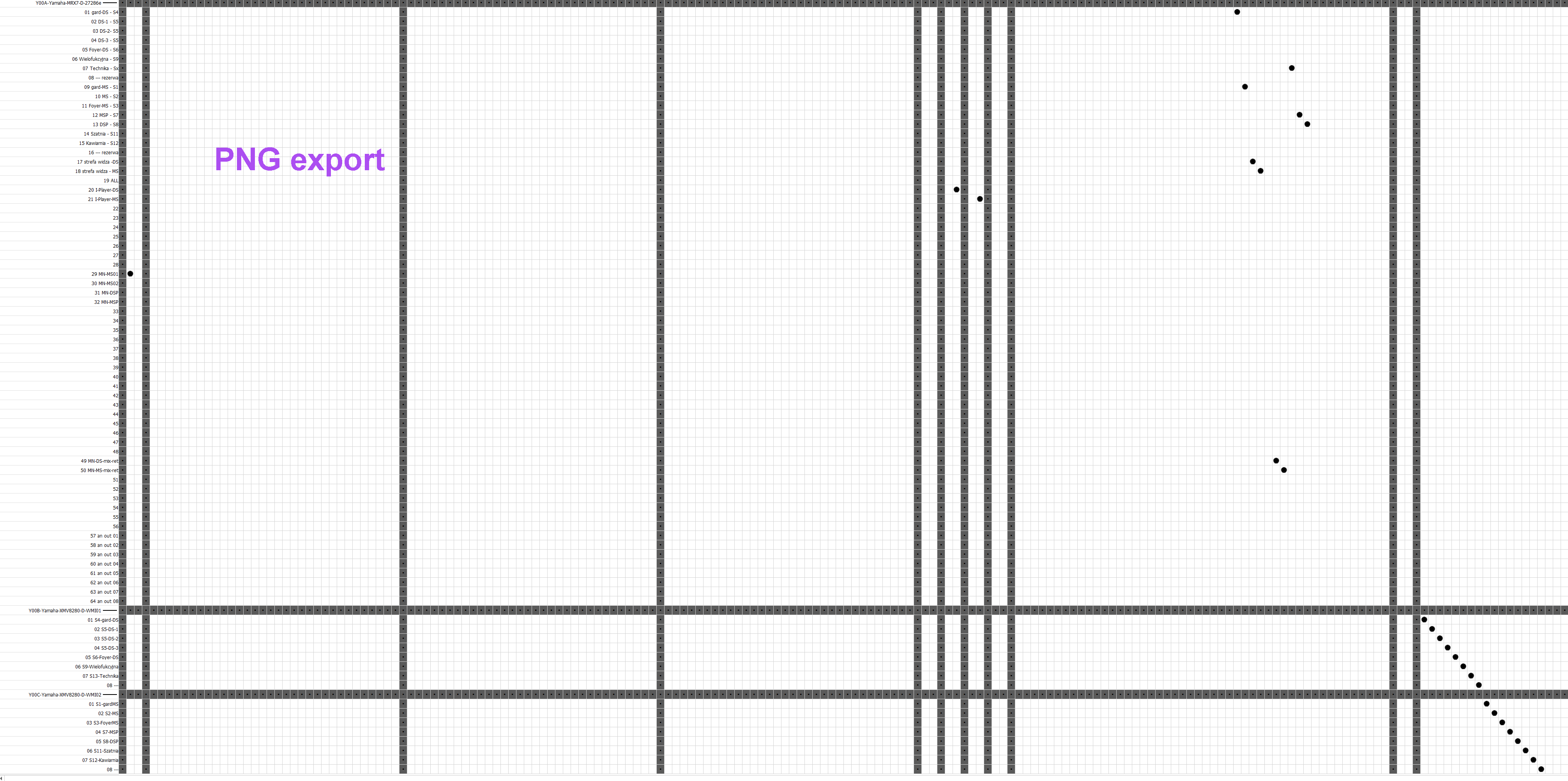 15. Export as PNG
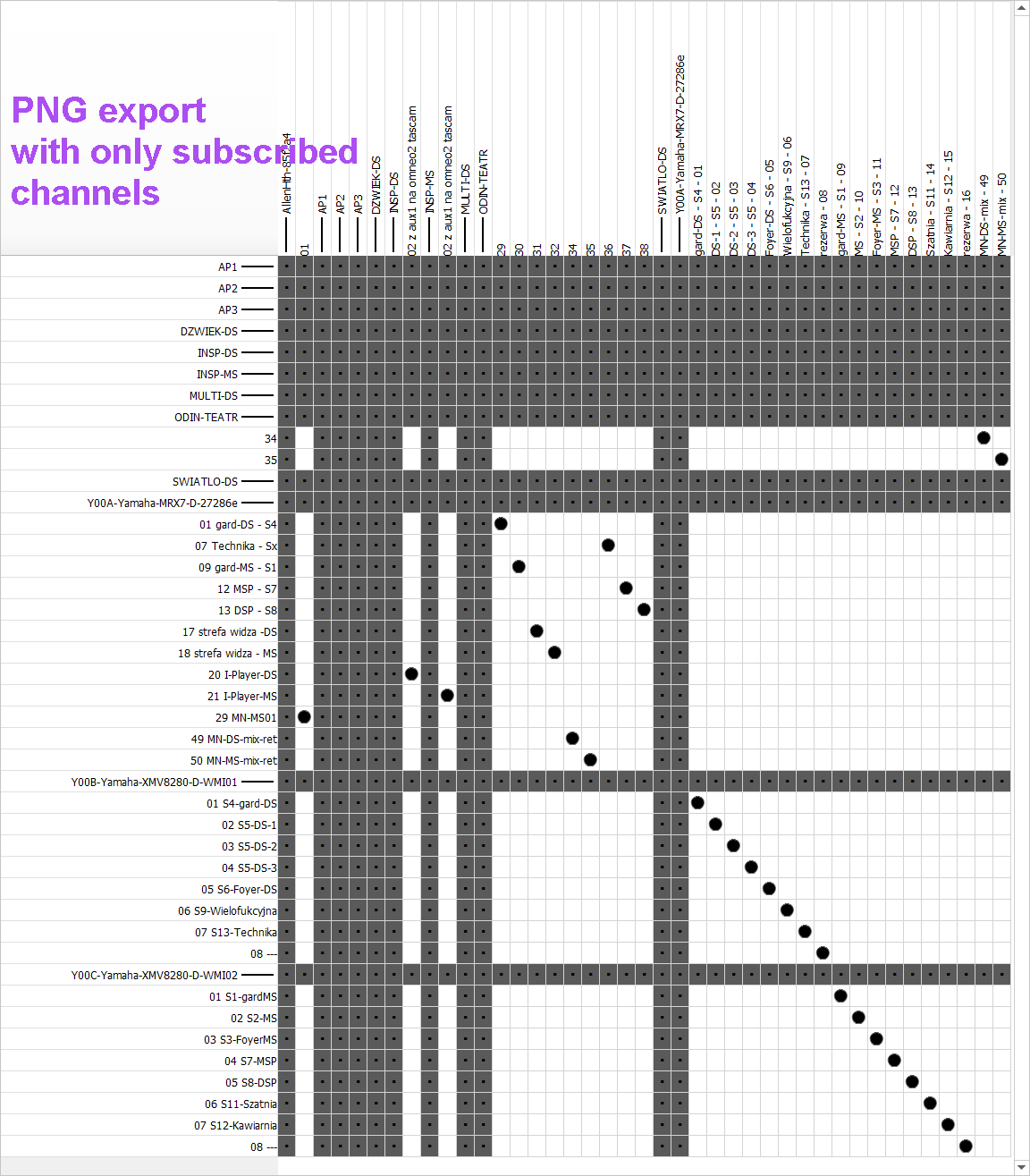 16. Export as PNG with os-setting
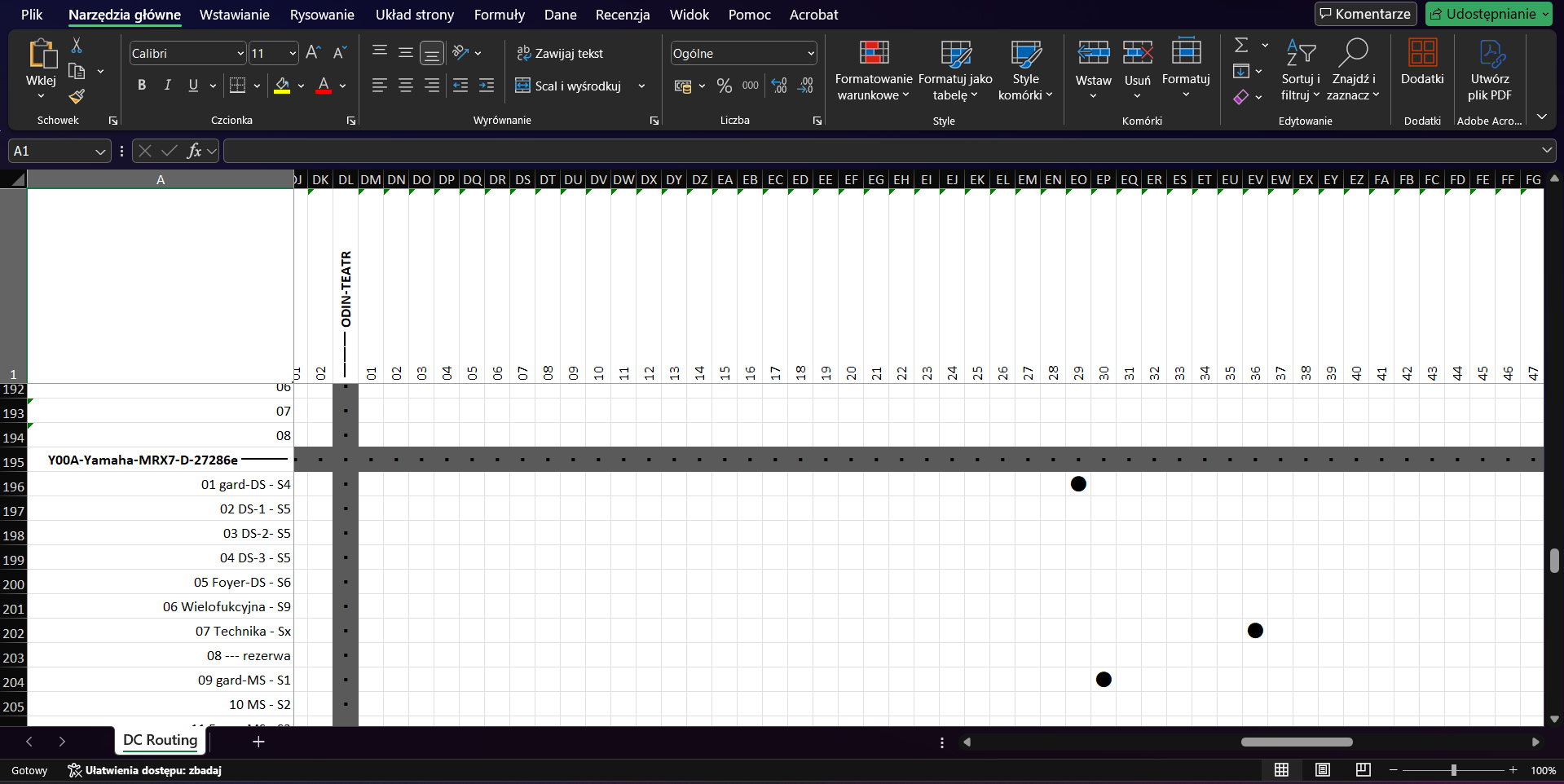 17. Export as XLSX
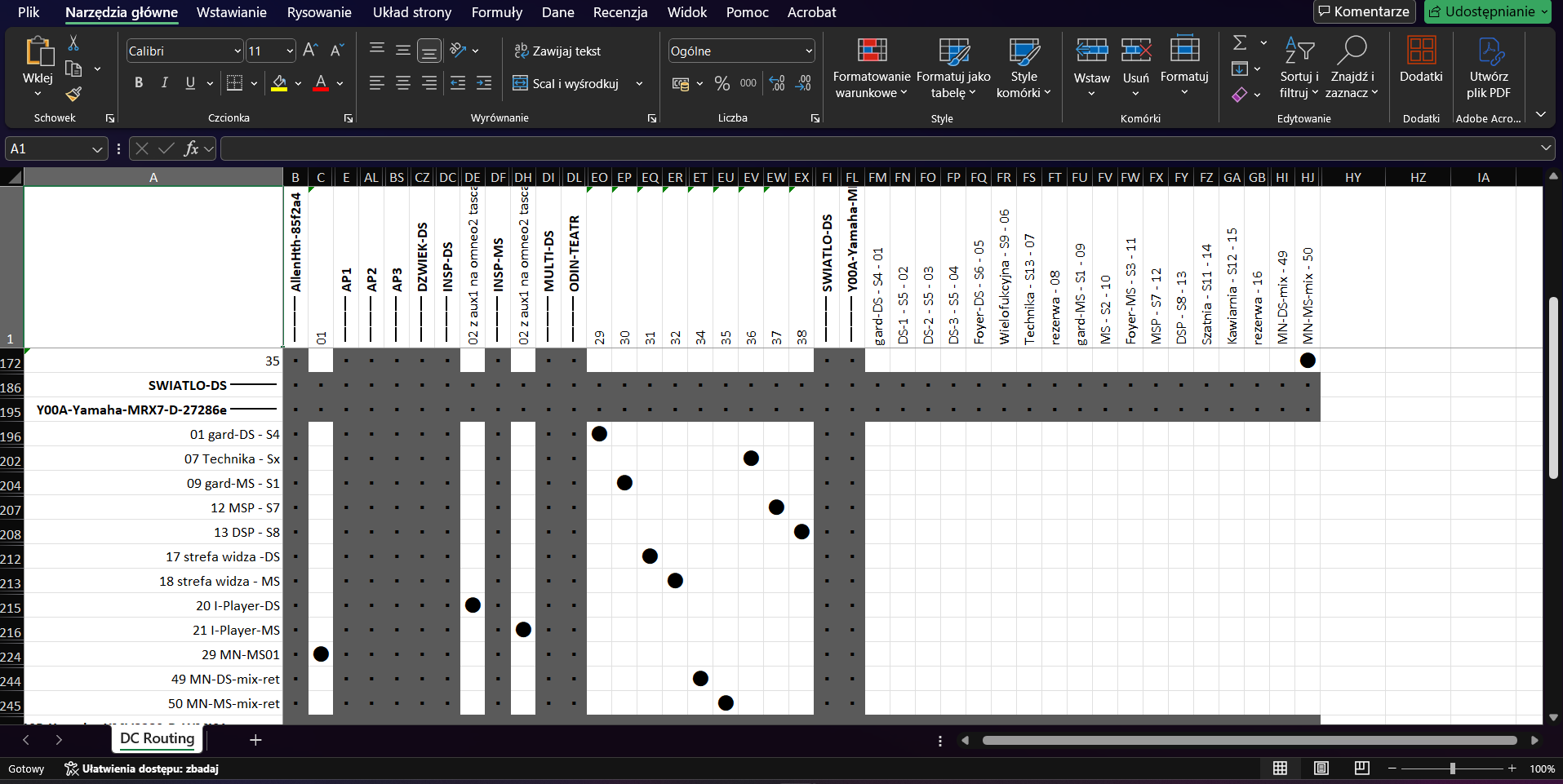 18. Export as XLSX with os-setting
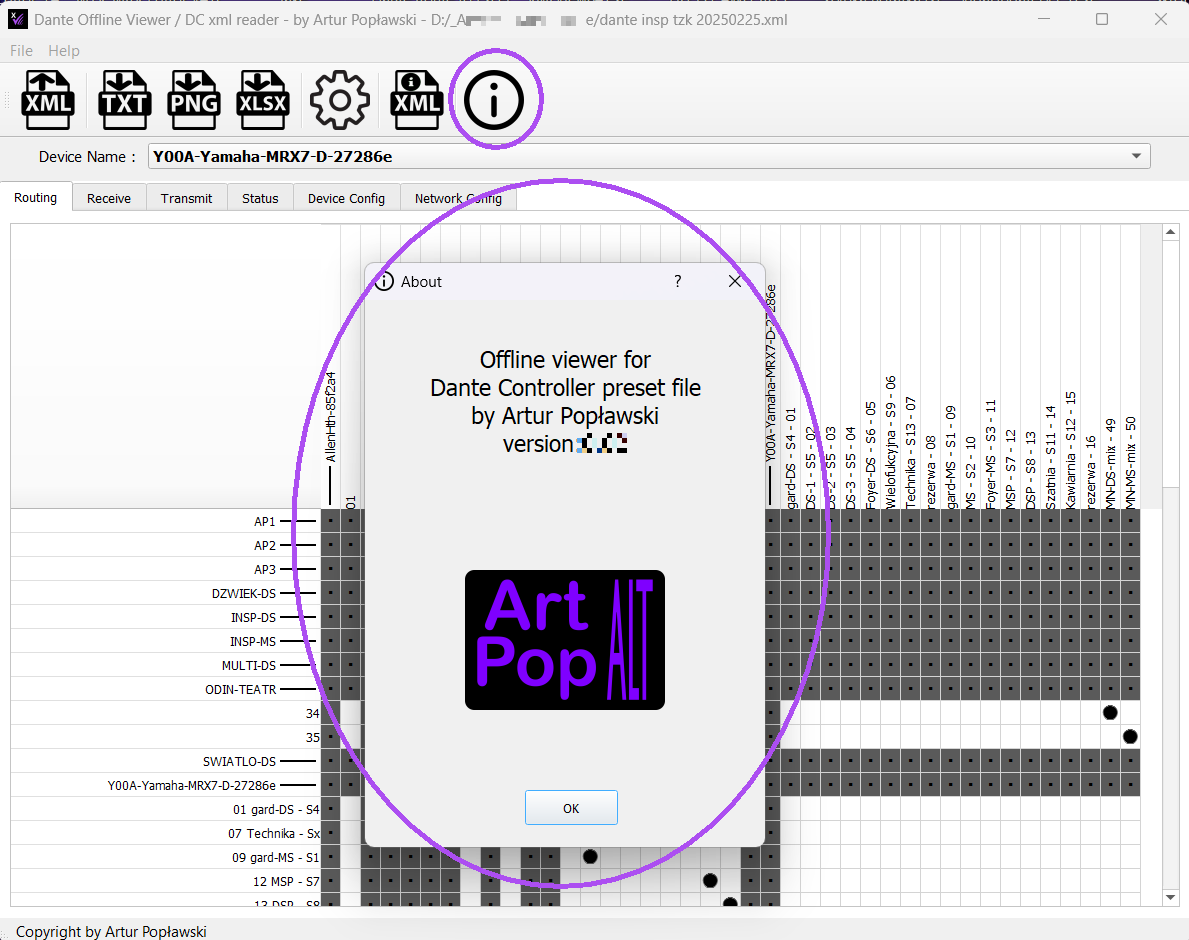 19. About window
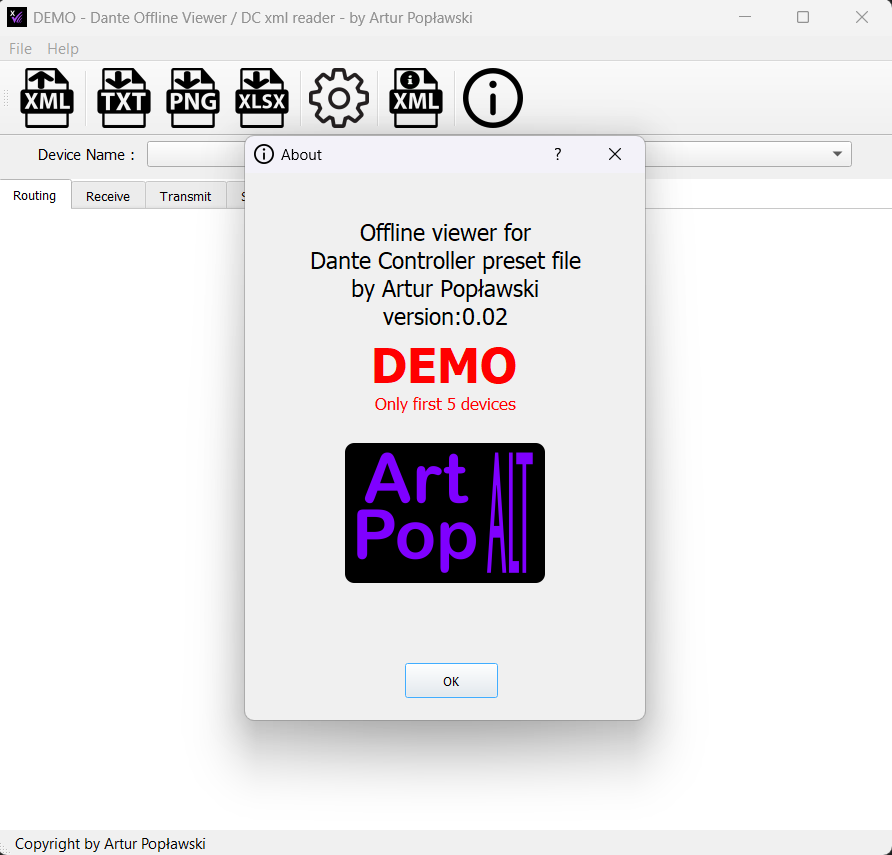 19. About ver.DEMO window
Name:
Version:
Date:
Size:
price:
AP_DCxmlViewer_Installer.exe
0.0.2.2
2025-07-18
38,48 MB
Donate me at home page
Minimum donation is:
4 EUR, 5 USD or 12 PLN

Name:
Version:
Date:
Size:
price:
AP_DCxmlViewer_DEMO_Installer.exe
0.0.2.2
2025-07-18
38,31 MB
Free of charge
Limited to 5 devices
New: MacOS version, Drag&Drop, PDF export, recent files menu, subscription status icon and more
Current serial numbers are valid.
DEMO version as option in activation window.
            2025-04-05

                0.0.2.0 - first public version


            2025-07-01

                0.0.2.1 - add link to webpage on logo in About popup
                0.0.2.1a - add installers and write/read windows registry information


            2025-07-17

                0.0.2.2 - Fixed a bug that crashed the application
                    when the device had only one receiving or transmitting channel.


            Known issues:

                - error when open xml file that doesn't Dante Controller preset file
                - inaccessible export TXT,PNG,XLSX (with a file already open)
                  when you cancel an attempt to load another Dante Controller preset
                - error installing on Parallels(R) on MacOS


            Features to implement:

                - Drag&Drop functionality to open XML file
                - adding export to PDF
                - Build arm64 (MacOS) version
                - expand XLSX export
Audinate, Dante Controller, XML, TXT, Converter, AP_DCxml2txt, ArtPopALT, Artur Popławski, Preset, Device, Receive channels, Transmit channels, Subscription Tx, Rx, Dante XML Offline Viewer